
What pack names mean: 16x, 5k, private, port, edit and more
Bedrock pack names are full of shorthand. What 16x, 40k, private, port, edit, mashup, default edit, overlay and client mean, so you know what you're downloading.
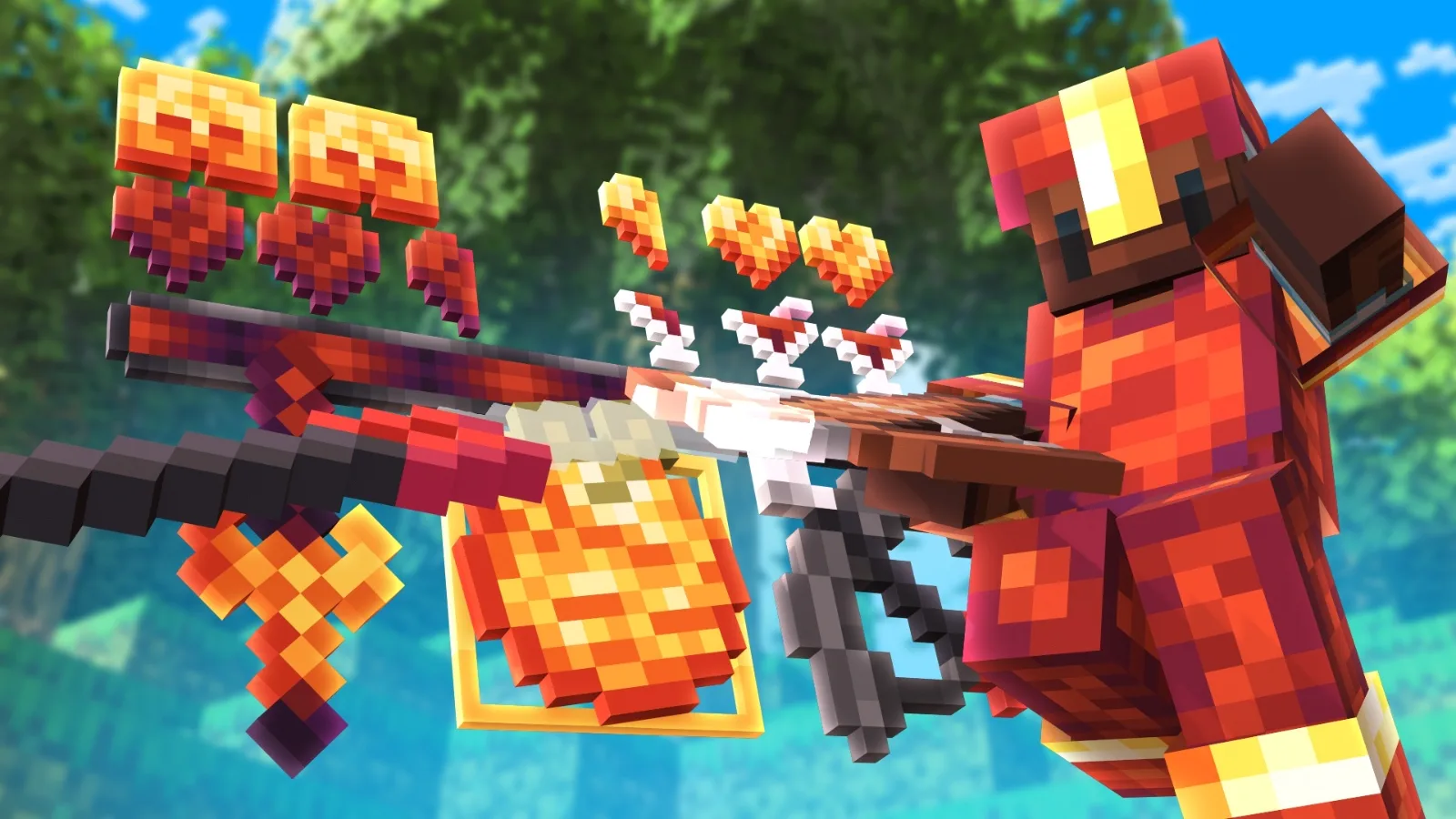
Pack names on Bedrock follow a few habits that make sense once you know them. A name like "xWqki 5k" or "Mace 32x Edit" tells you a lot about a pack before you download it.
16x, 32x, 128x: resolution
A number followed by an x is the pack's resolution: how many pixels wide each texture is. Minecraft's own textures are 16x. Higher numbers look sharper but ask more of your device. The resolution guide explains each step.
1k, 5k, 40k: milestone packs
A number followed by a k is usually a subscriber count. YouTubers release a pack to celebrate reaching 1,000 (1k), 5,000 (5k) or 40,000 (40k) subscribers, and the number stays in the name. It says nothing about resolution or quality: the IcyNutella 40k Mashup is a 16x pack.
Milestone packs are often made by a pack maker for the YouTuber. On mcbepacks, Blitz 1k was made by Aixiine, smoolh 1k by Leoisdread, xWqki 5k by Xazzki and the IcyNutella 40k Mashup by KrystalsMop. Some creators count followers instead: まだ青い was made for 800 followers.
Private packs
A private pack started out as one a creator kept for themselves, or shared only with friends or a small community, often in a Discord server. Pack folders sometimes include them once they've been shared more widely. The name usually says so, like "Lunar Private 32x" or "Banished Private".
Edits and recolours
An edit is an existing pack that someone has changed: new colours, a different sword, a swapped sky. A recolour changes only the colours, so names like "Demise Purple" or "Teal Edit" tell you the colour you're getting. An edit's name usually includes the original pack's name, which is a good way to find the original.
Ports
A port is a pack converted from one edition to the other, usually from Java to Bedrock. Lots of classic PvP packs were made for Java 1.8, and ports bring them to Bedrock players. Names like "Queue 32x port" or "Dcending 3k Bedrock port" tell you where a pack came from. You can port packs you're allowed to convert with the converter.
Mashups
A mashup takes textures from several packs and edits them into one set that matches. The IcyNutella 40k Mashup is one: KrystalsMop took textures from packs like Purled, Sufficience, Bombies 180k and Mace 32x, then edited or recoloured about 90% of them so the pack looks like one piece. A good mashup credits every pack it borrows from.
Default edits
A default edit keeps Minecraft's own look but tidies it up for PvP, for example with cleaner swords, clearer armour or calmer blocks. DragonG Default, DJthread Default and Some Random Default are examples you'll find in folders on mcbepacks.
Overlays
An overlay is a small pack that changes one thing, like the sky, the crosshair or the fire on your screen, and sits on top of your main pack. The overlays guide shows how to stack them.
Pack folders
A pack folder is a collection of packs from one video, usually shared as a MediaFire folder. Titles like "Top 10 PvP packs" or "56 pack folder" are folders, not single packs. The pack folder guide shows how to get just the ones you want.
Clients and texture-pack clients
On Bedrock, "client" can mean two different things. Most clients are programs that run alongside Minecraft on Windows, so they're installed differently from packs. A texture-pack client is a resource pack that changes the HUD and menus to look and work more like a PvP client. Because it's a pack, it works on phones too. CM Client is one.
FPS packs
FPS or "FPS boost" packs aim to make the game lighter so it runs more smoothly. They can help, especially on phones, but your settings and the resolution of your main pack usually matter just as much.
Sub2unlock
"Sub2unlock" isn't part of a pack's name, but you'll see it in video descriptions. It's a page that asks you to subscribe before it shows the download link. On mcbepacks, the Download button goes straight to the file host. If a creator wants you to subscribe or join their Discord first, the button says Unlock download and shows the steps.