
Are Minecraft packs safe to download?
What a pack can and can't do, how to spot fake download buttons, and what to check before you open a file.
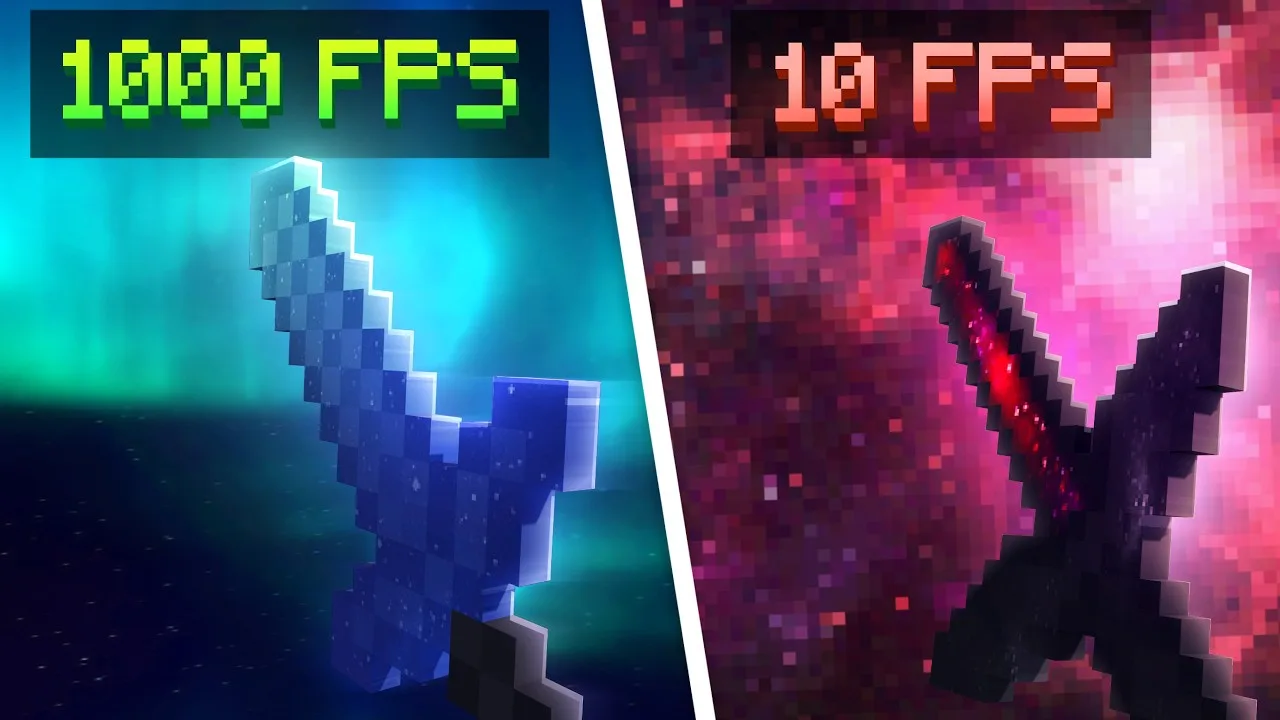
A texture pack is pictures, sounds and settings for Minecraft. On its own, it can't install anything on your device or open your files. The risk is in what you download, so check the file before you open it.
What's inside a pack
Open any .mcpack as a zip and you'll find a manifest.json file that names the pack, a textures folder full of PNG pictures, and sometimes sounds, menu layouts or 3D models. Add-ons also include a behavior pack, which changes how a world plays and can include scripts that run inside Minecraft. That's why add-ons are turned on world by world, and why it's worth copying a world before you try one. The add-ons guide explains more.
Check the file type
- Bedrock packs come as .mcpack, .mcaddon, .mcworld or .zip files.
- A texture pack is never an .exe, .apk, .bat or .scr file. If a "pack" downloads as one of those, don't open it.
- Most clients are different: they're programs for Windows, so they come as .exe or .zip files. Only use clients from creators you trust, and check a server's rules before you use one. Texture-pack clients are the exception: they're resource packs, so they come as .mcpack files.
Watch out for fake download buttons
File hosts show ads, and some are made to look like download buttons. On MediaFire, the real button shows the file's size. Close any page that:
- asks you to allow notifications before you can continue,
- says your phone has a virus or needs cleaning,
- asks you to install an app or a browser extension to download.
Link shorteners and unlock pages
Some creators put their downloads behind a link shortener or a sub2unlock page. A shortener shows ads for a few seconds before sending you on, and an unlock page asks you to subscribe or follow first. Neither should ever ask you to install anything, enter a password or pay. The link should end on the file host, like MediaFire, with the pack's name and size. If it ends anywhere else, close it.
On mcbepacks, the Download button goes straight to the creator's file host. If a creator wants you to subscribe or join their Discord first, the button says Unlock download and shows the steps.
Keep your device protected
- Keep Windows Security or Google Play Protect turned on.
- Scan a download if you're not sure about it.
- Back up your worlds before you try add-ons that change how the game plays.
- Never type your Microsoft account password into a page you reached from a download link. Packs never need it.
If you opened something you shouldn't have
Don't open it again. On Windows, run a full scan in Windows Security. On Android, uninstall any app you don't recognise and run a scan in Google Play Protect. If you typed a password into a page you didn't trust, change that password straight away on the real website.
Something wrong with a pack here?
Every pack's details end with a Report this pack button. Use it for broken downloads, fake files, or packs shared without the creator's permission, and the admins will check it.